Appearance
Information Panel
Table of Contents
Overview
The Information Panel is a sophisticated feature identification and attribute exploration system that provides comprehensive access to spatial data through intelligent popup interfaces and interactive content management. This advanced tool integrates seamlessly with Horizon's unified popup service to deliver context-aware feature information, customizable content presentation, multi-layer feature navigation, and flexible docking capabilities for enhanced spatial data exploration and analysis workflows.
Core Features
Default Configuration
- Pre-configured popup settings
- Layer-specific content display
- Customizable information presentation
Content Structure
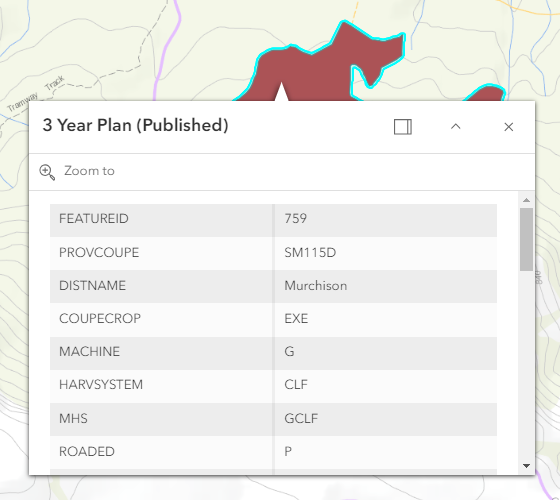
- Title text configuration
- Detailed feature information
- Attribute organization
Panel Options
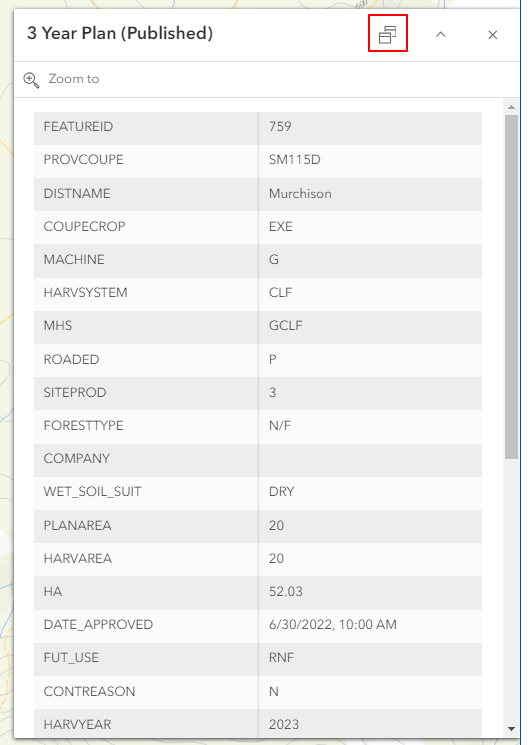
- Docking functionality
- Position customization
- View persistence
Multiple Layer Support
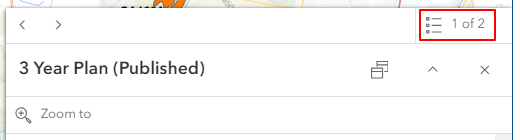
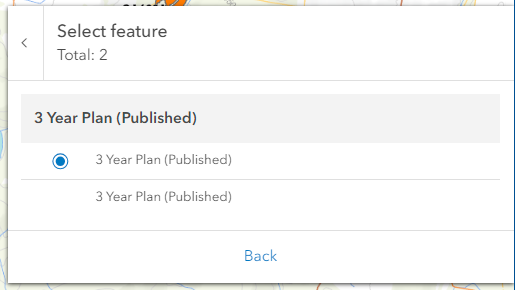
- Layer list access
- Checkbox-based layer switching
- Overlapping feature management
Using the Panel
Basic Operations
- Click features for information display
- Review content in popup window
- Use available actions
- Dock panel if needed
Layer Navigation
- Access layer list for overlapping features
- Switch between layers
- Review different feature attributes
Troubleshooting
| Issue | Solution |
|---|---|
| No popup display | Check layer visibility and editing status |
| Incorrect information | Verify layer properties and data |
| Overlapping access issues | Use layer list to navigate features |
Video Tutorial
Watch this guide on using the Information Panel: